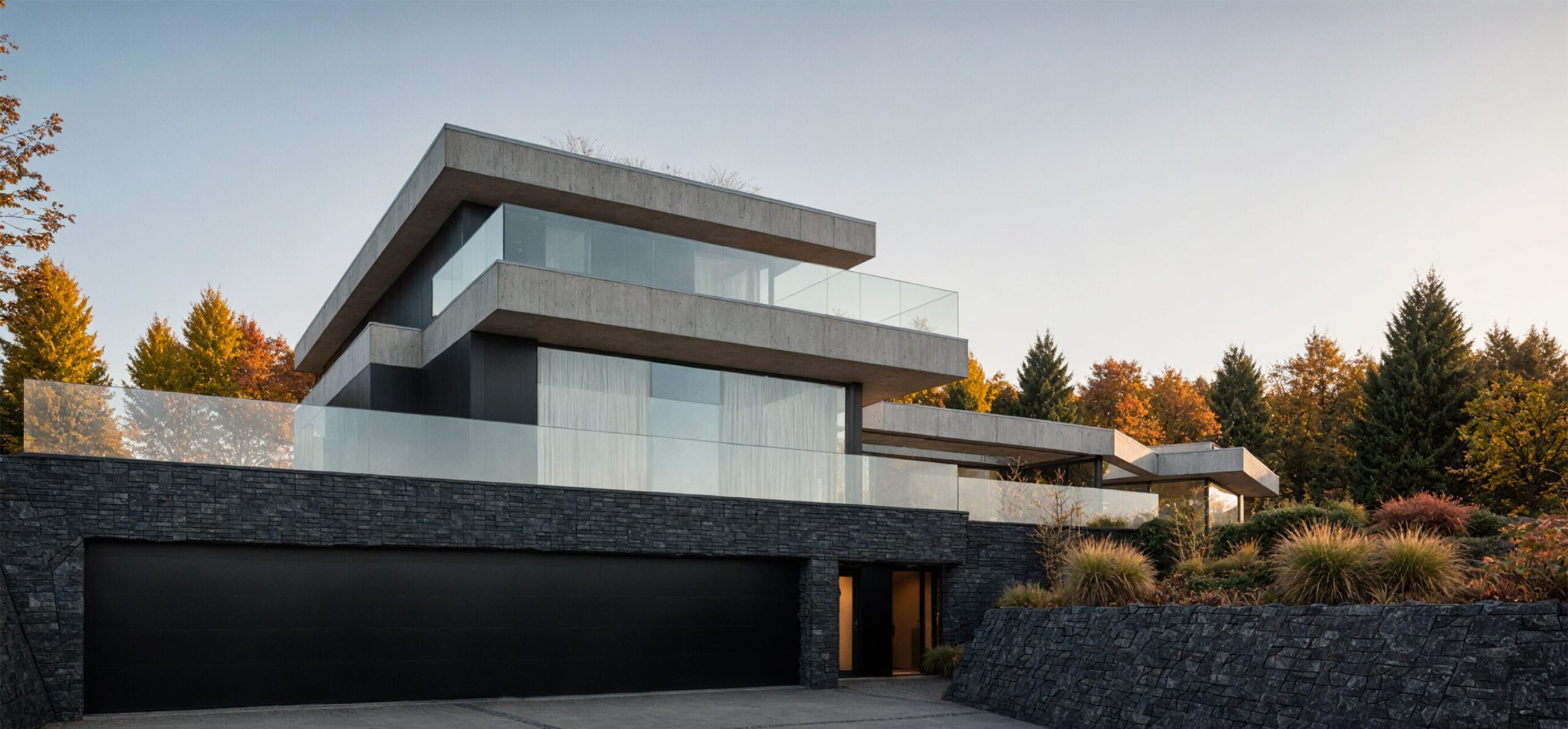
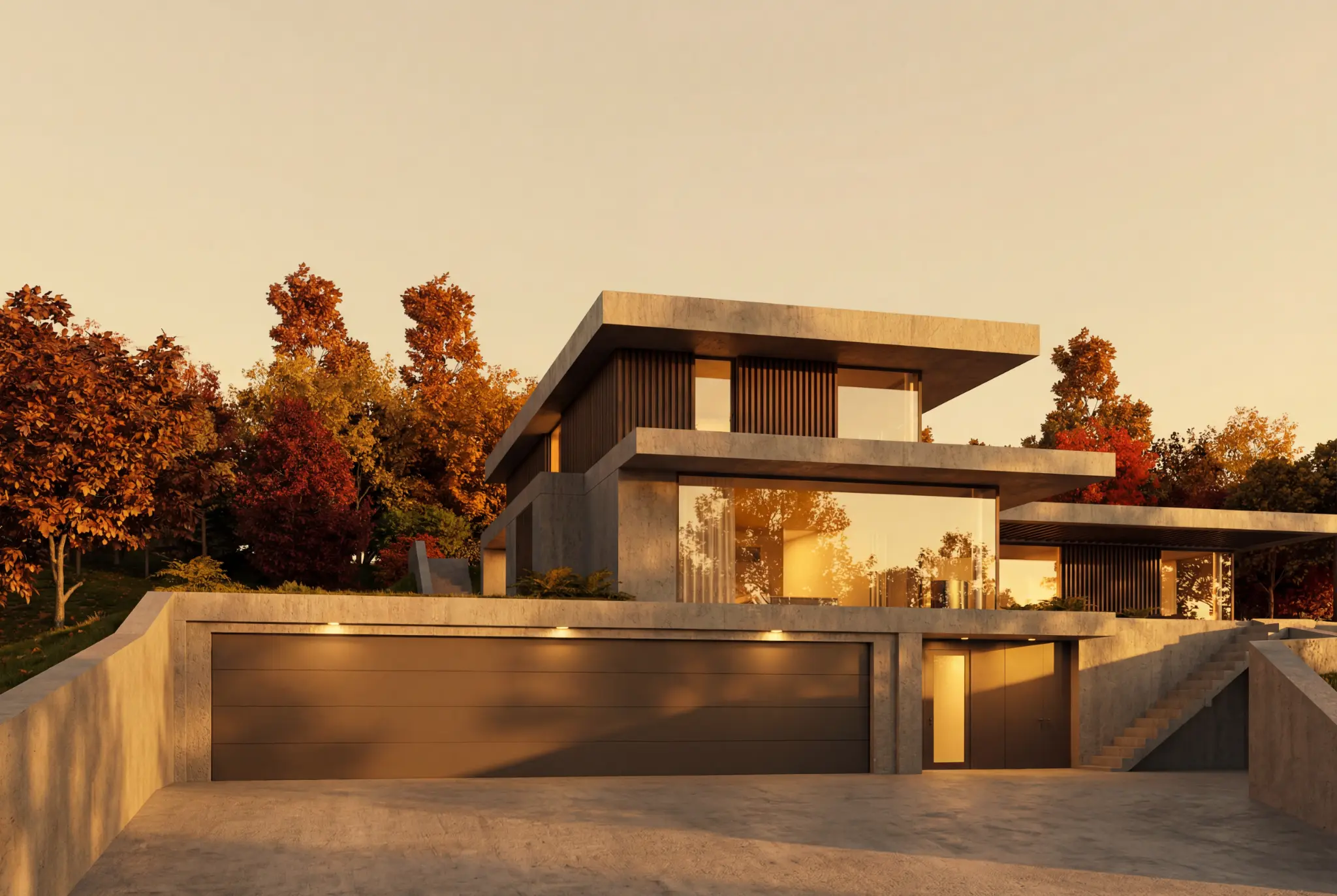
AI rendering for architects
Turn sketches, clay renders, and 3D model views into realistic visuals in minutes - without losing design control.
Trusted by architects in




Quick verdict
Rendero is a browser-based AI rendering tool: upload a sketch, clay render, model export or photo and generate a photorealistic image with segmentation-guided edits — no BIM plugin, GPU rig or 3D scene setup required.
Best for
- Architects and studios turning an exported sketch, clay render or model view into a client-ready image fast
- Iterating on a design with prompts and selected-region edits, checked against the original model
- Comparing several AI rendering engines on the same source image before committing to one
Not ideal for
- A live, in-viewport BIM-plugin workflow inside SketchUp, Rhino or Revit — see ArkoAI or Veras AI
- Real-time production scenes, animation or repeatable camera sequences — see D5 Render
- Assuming every engine, resolution and workflow is available on every plan — check plan details first
Architectural visualization
is essential, but traditional rendering methods come with major challenges.
-
Expensive
-
Time-consuming
-
Skill-intensive
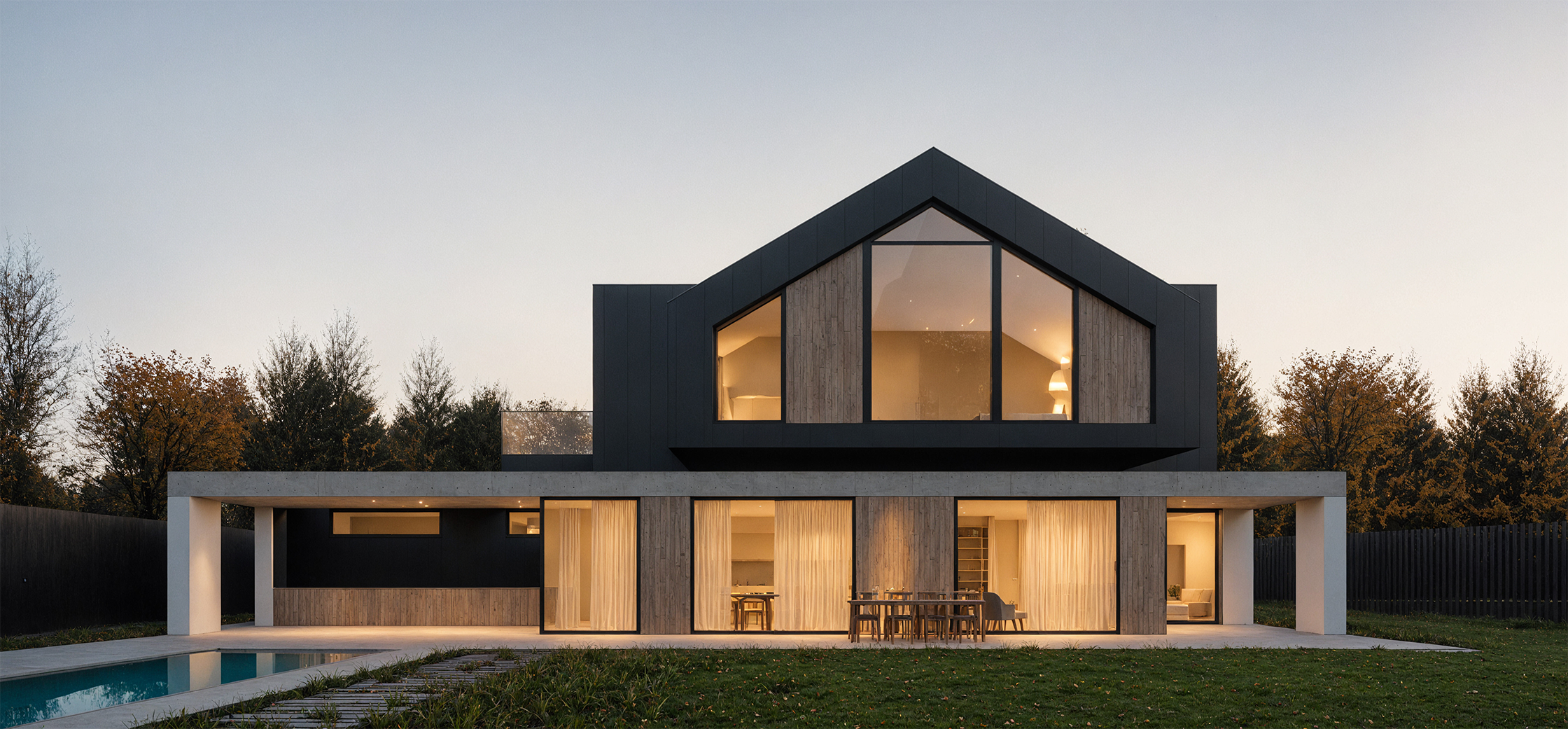

We make rendering effortless while keeping architects in control
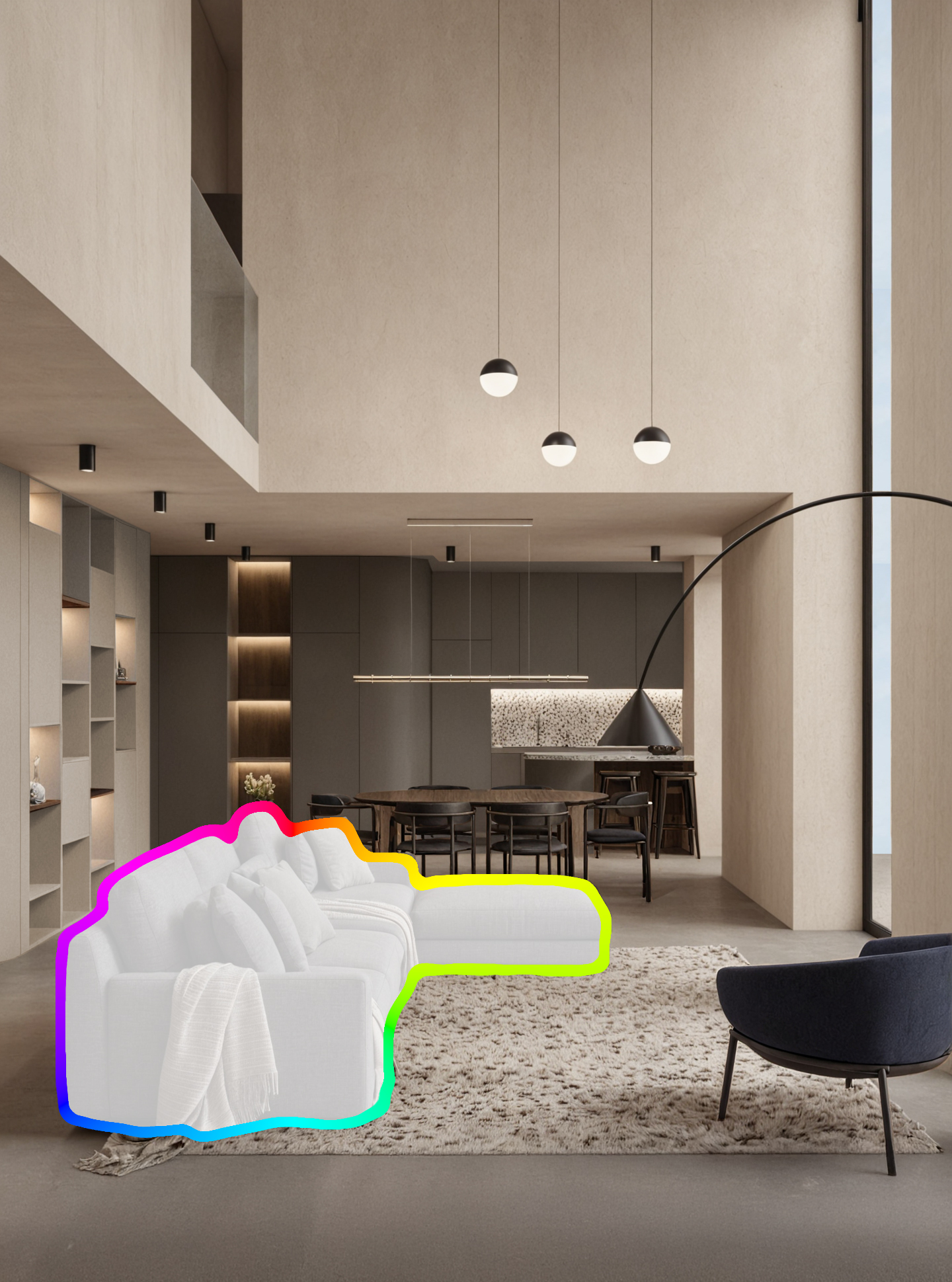
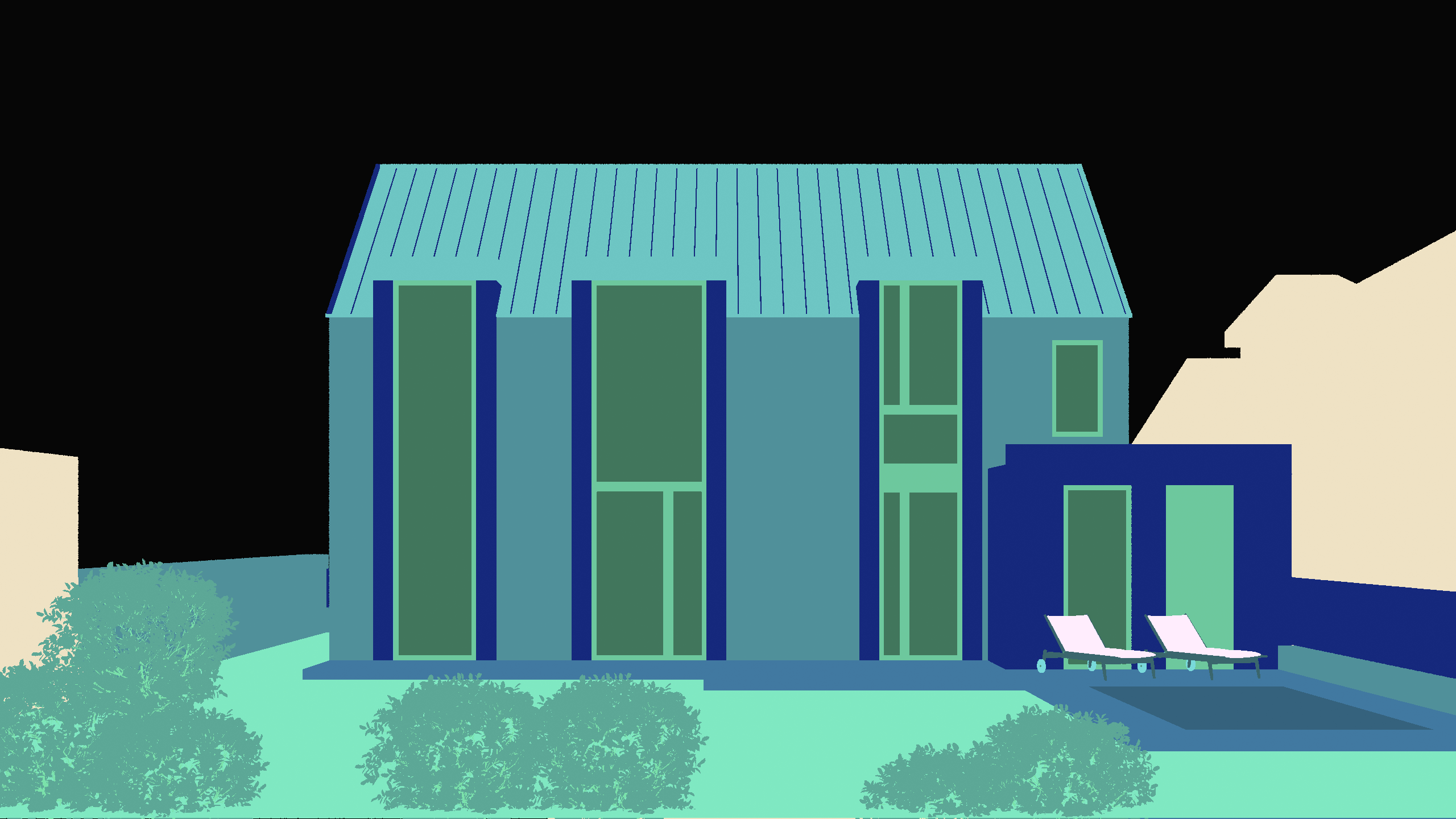
Automatic segmentation detects key parts of your image and makes them editable.
Rerender only selected areas, refine details in place.
-
Edit selected areas
-
Review the surrounding details
-
Refine details in place
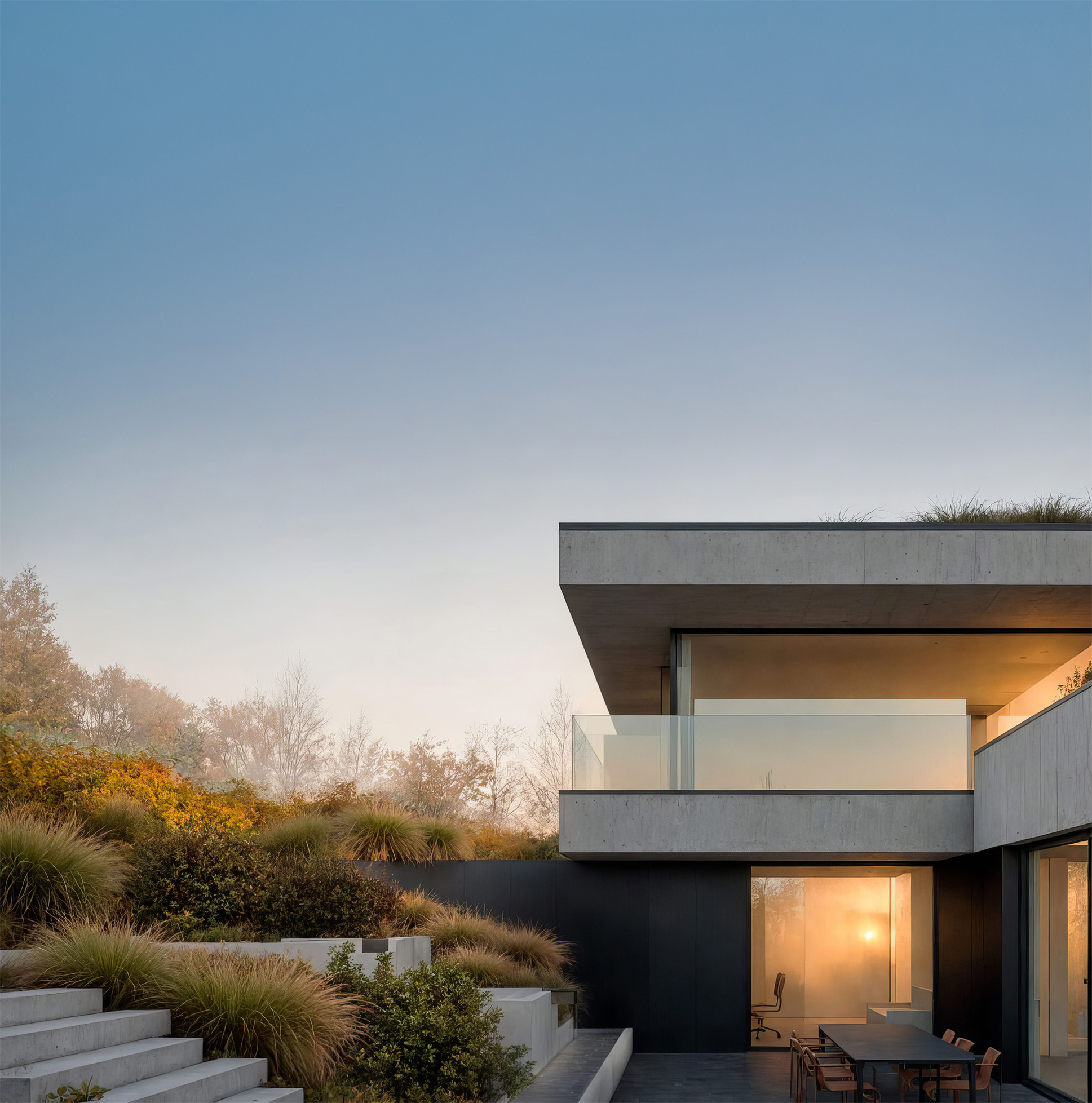
Use your time wisely
Render final results within minutes
Your vision, instantly rendered.
-
AI generated
-
Time-saving innovations
-
Instant design feedback
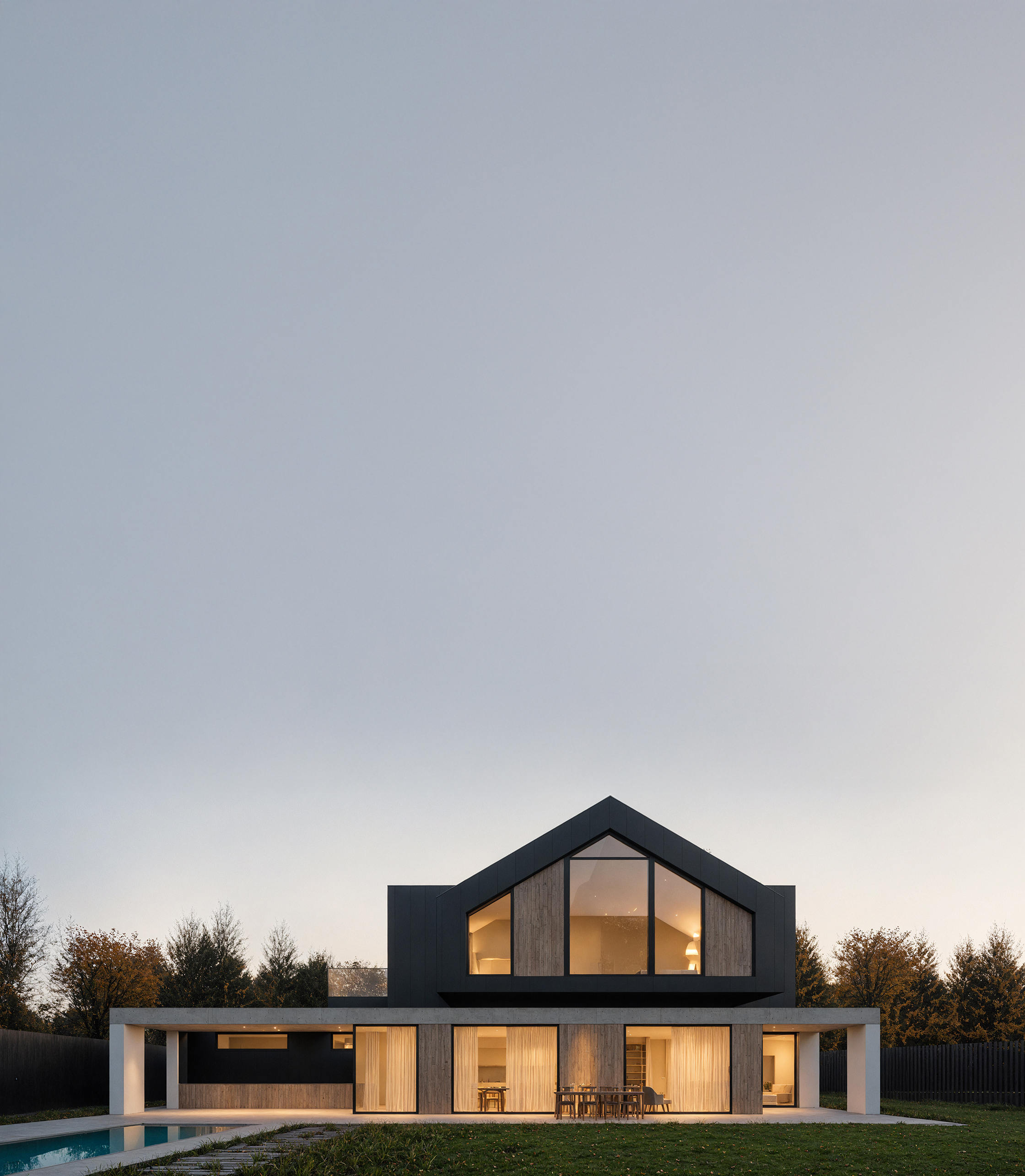
Switch between multiple AI engines.
Use Stable Diffusion, Nano Banana 2, Nano Banana Pro, or GPT Image 2 for flexible image generation.
More engines mean more control over quality, speed, and credit usage.
-
Stable Diffusion for volume
-
Nano Banana 2 for speed
-
Nano Banana Pro for refinement
-
GPT Image 2 for flexibility
-
Guide local edits with automatic segmentation
Automatic segmentation detects key parts of your image and makes them editable.
Rerender only selected areas, refine details in place.-
Edit selected areas
-
Review the surrounding details
-
Refine details in place
-
-
Speed is the key
Use your time wiselyRender final results within minutes
Your vision, instantly rendered.-
AI generated
-
Time-saving innovations
-
Instant design feedback
-
-
Choose your rendering engine.
Switch between multiple AI engines.
Use Stable Diffusion, Nano Banana 2, Nano Banana Pro, or GPT Image 2 for flexible image generation.
More engines mean more control over quality, speed, and credit usage.-
Stable Diffusion for volume
-
Nano Banana 2 for speed
-
Nano Banana Pro for refinement
-
GPT Image 2 for flexibility
-
More ways Rendero improves
architectural rendering
-

Explore the complete architectural visualization AI workflow
-

Move from sketch or 3D view to a client-ready AI render
-
Automatic segmentation detects editable areas for precise local changes
-

Compare Nano Banana and GPT Image 2 for architectural rendering
-

Keep creative control with references and local edits
-

Create AI interior renders while keeping layout and materials under control
Seamless AI Rendering
in 3 Easy Steps
See how Rendero can improve your workflow in minutes. It is intuitive and easy to set up. For a deeper workflow breakdown, read our guide to AI rendering for architects.
-
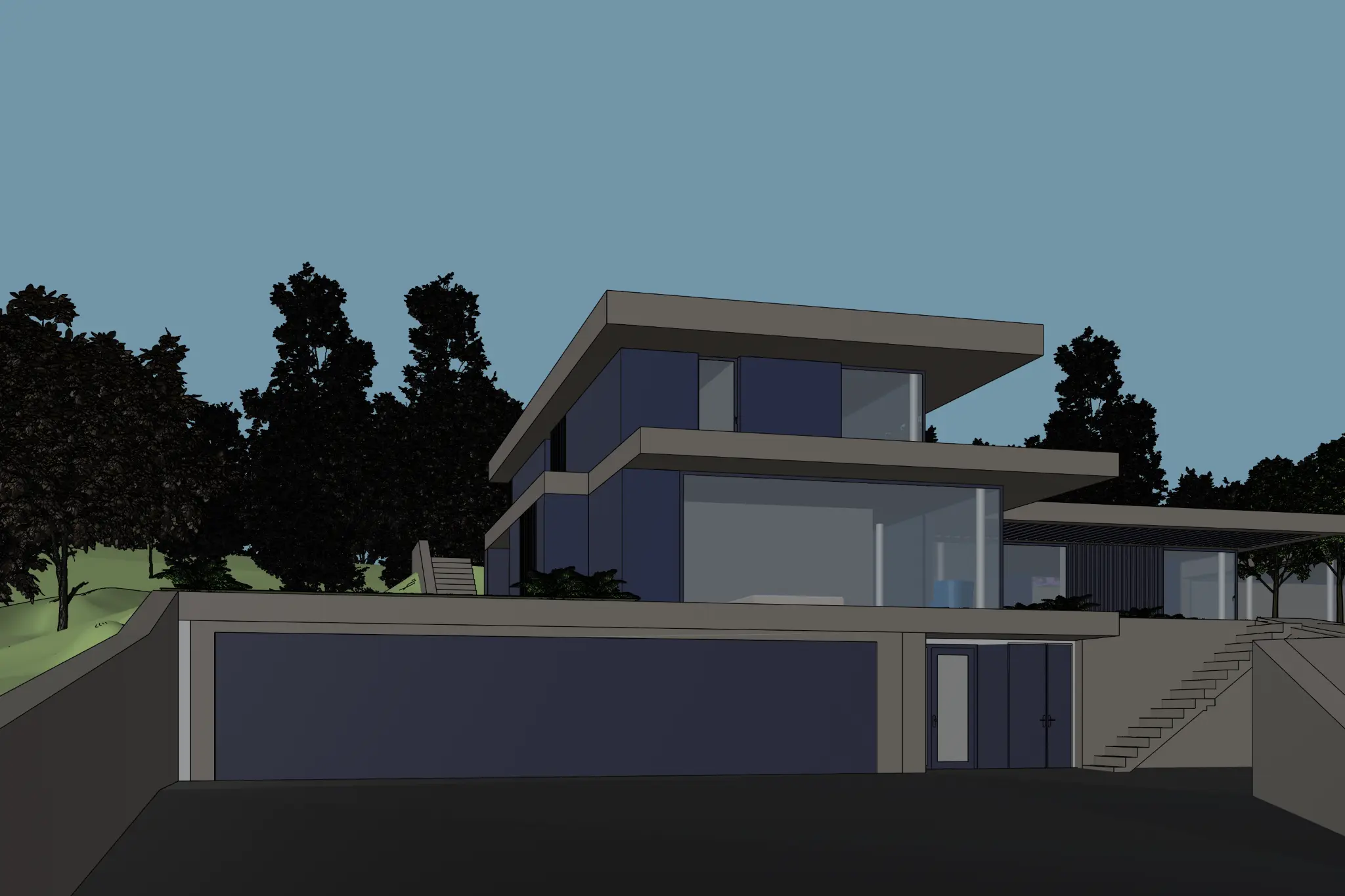
 1Upload base image
Start with a sketch, an image exported from a 3D model, an existing visualization, or a text description.
-
 2Start AI rendering
Render and fine-tune with control over the areas you want to change.
-
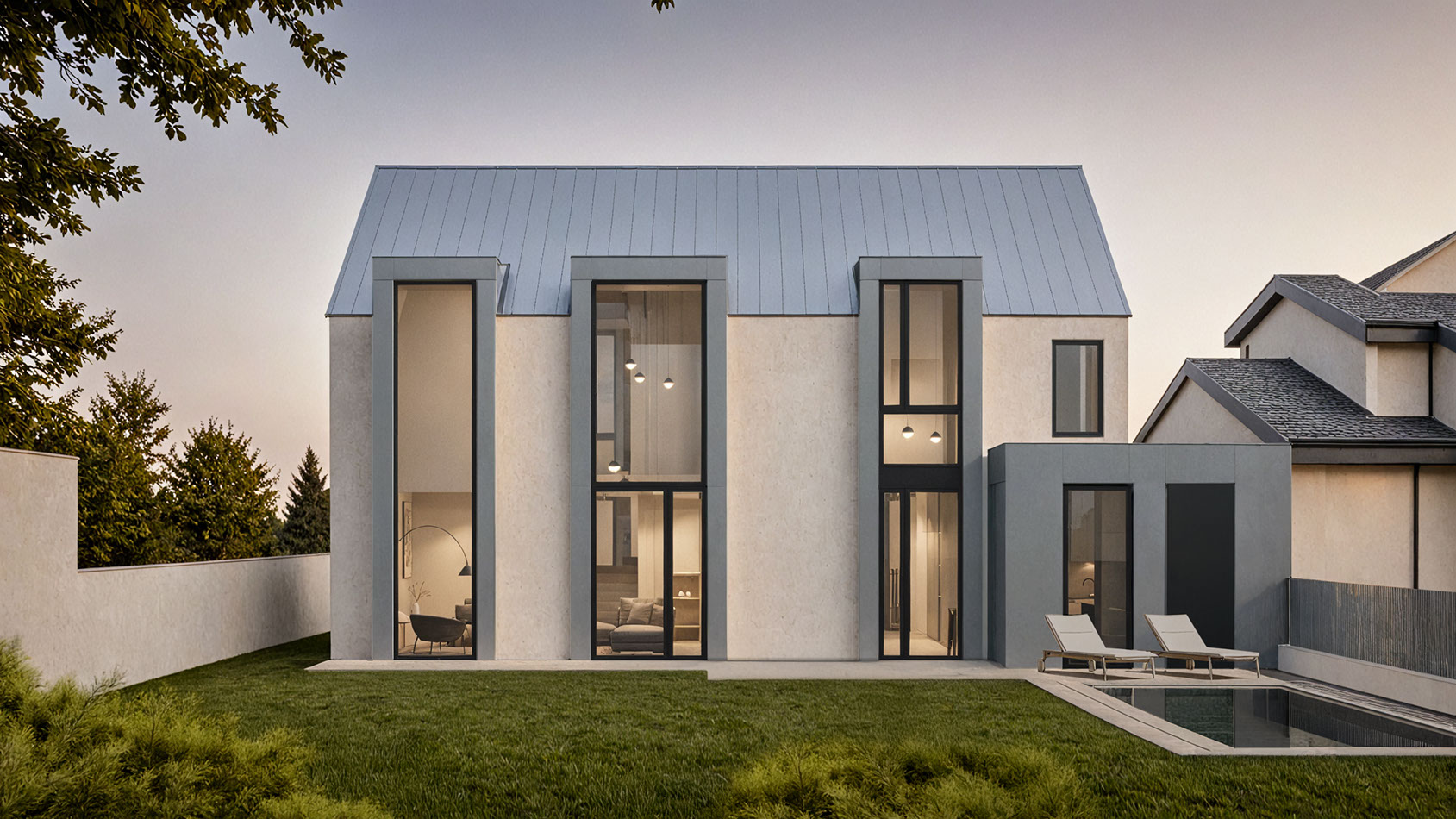
 3Refine every detail
Change materials, compare variations and review the result before upscaling.
Using Rendero
- What to bring
- Upload a PNG, JPG or WebP image: a sketch, clay render, exported model view or existing visual. Export an image from your modeling application first; Rendero works with images rather than model files.
- What you can do
- Choose the model and output options available on your plan. Use prompts, selected regions and the reference controls supported by your chosen engine to guide revisions.
- What to check
- Compare the camera, openings and material boundaries with the source. Apply accepted design changes to your model and project documents.
Why leading architecture firms are using Rendero?
-

"Being able to skip the step of adding materials to a rendering is unbelievable. Thanks to Rendero, my workflow goes straight from a white-model render to a beautiful, photograph-like image in seconds. It's a profound shift in the way I work."
Rajah Bose
Principal Architect at studioBOSE
10ximage in seconds -

"Rendero.ai completely transformed our workflow! The AI-powered rendering tool is not only lightning-fast but also delivers stunningly realistic results."
Ana @ Filippo Agel
Architects of MUAC.studio
3xfaster visualizations
Join our creative community
Get inspired and inspire others
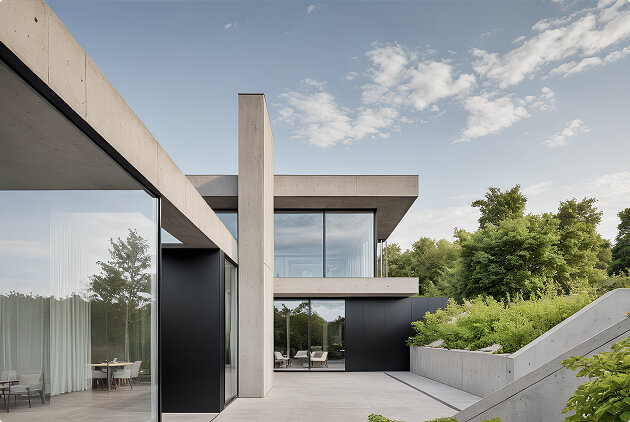
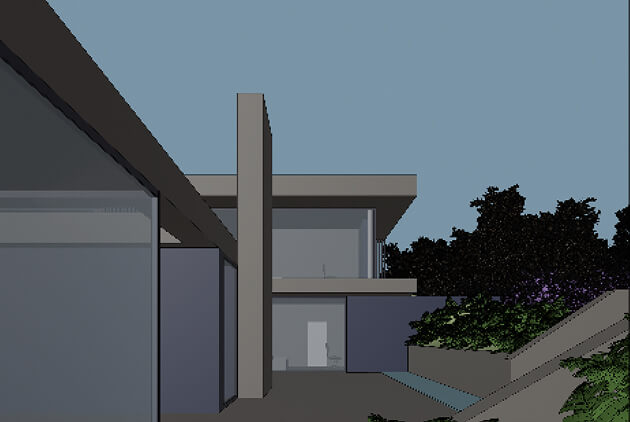
-
input
-
Rendero magic
-
output
Choose from plans that evolve with your projects
-
Free
Try Rendero for free.
Explore the basics, test the workflow, and create your first AI powered images without commitment.0$One-time allowance
Try for free-
50 starting credits
-
-
Lite
Start creating with Rendero.
For a few images per month, student concepts, and early visual ideas. Simple enough to get moving.19$/ month per person
Upgrade to Lite-
300 credits
-
-
Starter
For first real projects.
A balanced plan for regular creative work, early client visuals, and concept development.39$/ month per person
Upgrade to Starter-
700 credits
-
-
StudioRecommended
For architects and studios.
Built for multiple projects, presentations, and design iterations with more room for serious workflows.99$/ month per person
Upgrade to Studio-
2,500 credits
-
-
Pro
For high volume rendering.
Made for teams and power users who need more images, credits, and room to experiment every day.299$/ month per person
Go Pro-
9,000 credits
-
How credits work
Free accounts receive 50 starting credits once at signup. These credits do not refill each month.
Rendering charges vary with the model, resolution and, for some engines, processing time. Upscaling uses additional credits. The app shows your remaining balance.
Allow for retries and edits when planning a project. A credit balance does not represent a fixed number of finished images.
What determines the charge?
Nano Banana and GPT Image 2 use credit charges set for the selected model and resolution. Stable Diffusion charges depend on processing time rounded to billing increments. Upscaling has a separate credit charge.
Frequently asked questions
Find quick answers to common questions about Rendero.ai's features, pricing, and workflow integration. See the full FAQ for more, including comparisons to other AI rendering tools.
-
Upload a sketch, clay render or exported model view, add a prompt, and use the available reference and selection controls to explore materials, lighting and atmosphere. Compare versions against the source design before choosing a result for presentation.
-
Rendero's Free plan includes 50 starting credits, granted once when you sign up. Paid plans are billed monthly per person: Lite $19, Starter $39, Studio $99 and Pro $299. Paid plans include a monthly credit allowance.
-
Yes. Rendero.ai includes secure cloud storage for all projects, renders, and reference files.
Your data is:
• automatically saved and backed up
• accessible from any device after login
• securely stored on professional cloud infrastructure
This makes Rendero.ai suitable for both individual creators and collaborative studio environments. -
Rendering time varies with the model, output settings and queue. Include preparation, retries and review when comparing the time needed to reach a usable image.
-
Read the Privacy Policy for information about how Rendero handles personal data. Before uploading confidential client material, confirm that the service terms and your project permissions meet your requirements. Contact info@rendero.ai for product-specific security questions.
-
Yes. Rendero.ai is web-based, not a plugin, so nothing needs to be installed inside your modeling software.
Export a view, screenshot, or clay render as an image, upload it to Rendero, and render from there. This works with:
• SketchUp
• Revit
• Rhino
• ArchiCAD, Vectorworks, Blender, and other 3D tools
Rendero renders images, not model files, so it fits alongside any modeling software already in use. -
Rendero offers Nano Banana, Nano Banana 2, Nano Banana Pro, GPT Image 2 and Stable Diffusion. Model and resolution access depends on your plan. Reference controls differ by model, so compare the available settings as well as the output.
-
Rendero can help explore concept visuals, material options and presentation drafts. Segmentation and references guide the result, but openings, proportions and nearby surfaces can still change. Review every image against the source design before sharing it with a client.
-
General-purpose image tools can also work with uploaded images and selected-area edits. Rendero brings segmentation, reference images and multiple AI engines together in an architecture-focused workflow. These controls help guide iteration, but every generated image still needs review against the design.
-
Architects who use Rendero report a faster, more controlled workflow. Rajah Bose, Principal Architect at studioBOSE, says: "Being able to skip the step of adding materials to a rendering is unbelievable. Thanks to Rendero, my workflow goes straight from a white-model render to a beautiful, photograph-like image in seconds. It's a profound shift in the way I work." Ana at Filippo Agel, architects of MUAC.studio, add: "Rendero.ai completely transformed our workflow! The AI-powered rendering tool is not only lightning-fast but also delivers stunningly realistic results."